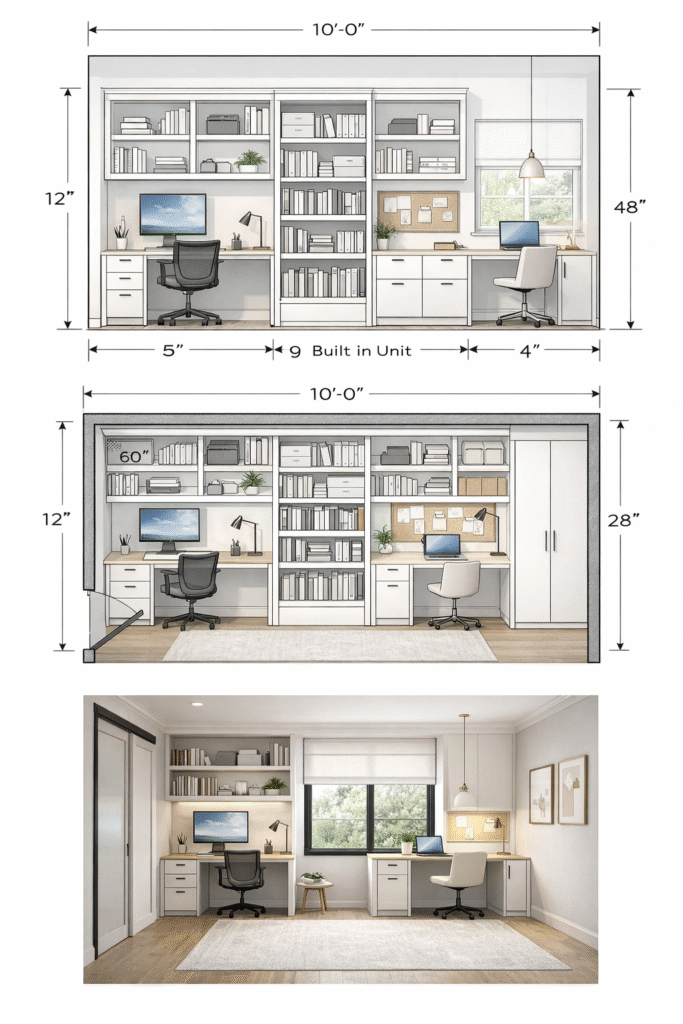

Planning a Home Office / Study Corner is about carving out a space that supports focus, comfort, and consistency—even if it’s small or shared. In tropical homes, heat, light, and noise matter just as much as furniture.
Below is a practical planning guide, from first decisions to finishing touches.
1. Choose the Right Location (Before Buying Anything)
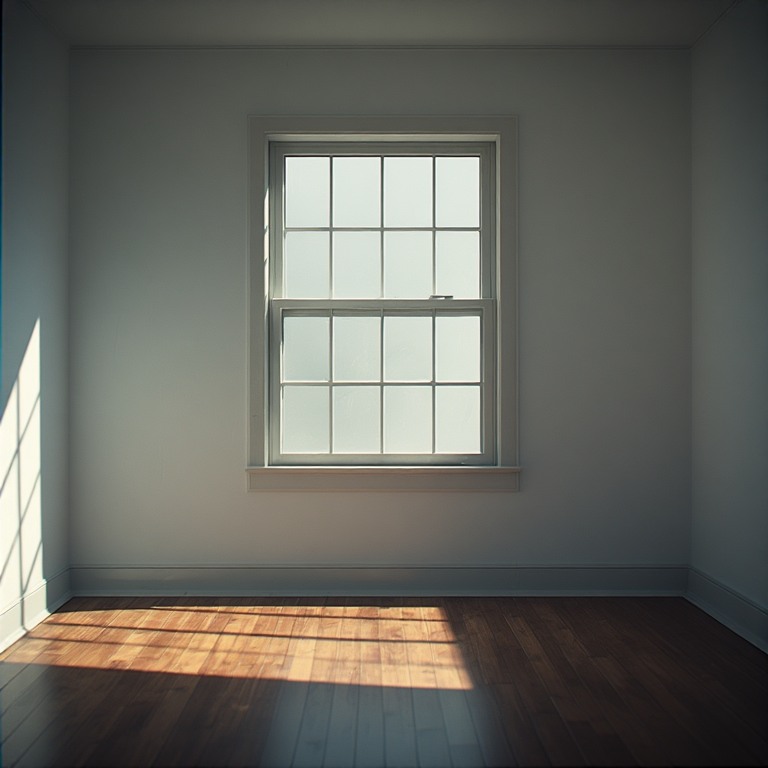
Best locations:
- A quiet corner of a bedroom or living room
- Near a window (side light is best)
- Under stairs, along a hallway wall, or in a spare nook
Avoid:
- High-traffic zones
- Direct TV-facing areas
- Spaces with glare-heavy afternoon sun
👉 Even a 1.2–1.5 m (4–5 ft) wall can work if planned well.
2. Define the Function (Work ≠ Study ≠ Creative)
Ask first:
- Laptop-only or desktop?
- Writing / reading / meetings?
- Creative work (drawing, music, design)?
- Adult or child?
Why this matters:
A laptop desk ≠ drafting desk ≠ study table. Oversizing or undersizing causes discomfort.
3. Desk Placement & Size (Comfort Over Style)
Minimum desk size:
- Depth: 600 mm (24 in)
- Width: 900–1200 mm (36–48 in)
Placement rules:
- Light from the side, not directly in front or behind
- Leave 750–900 mm (30–36 in) clearance behind chair
- Desk facing a wall or window edge = fewer distractions
Tropical tip:
Avoid placing electronics directly under unshaded west-facing windows.
4. Seating: Don’t Compromise Here
Chair basics:
- Adjustable height
- Lumbar support
- Breathable mesh or fabric (not leather in the tropics)
If budget is tight:
- Spend more on the chair than the desk
- Add a lumbar cushion if needed
5. Storage That Doesn’t Crowd the Space
Smart storage options:
- Floating shelves above desk
- Slim drawer unit under desk
- Wall pegboards or pinboards
- Vertical file storage
Rule:
Keep the desk surface 60–70% clear to reduce mental clutter.
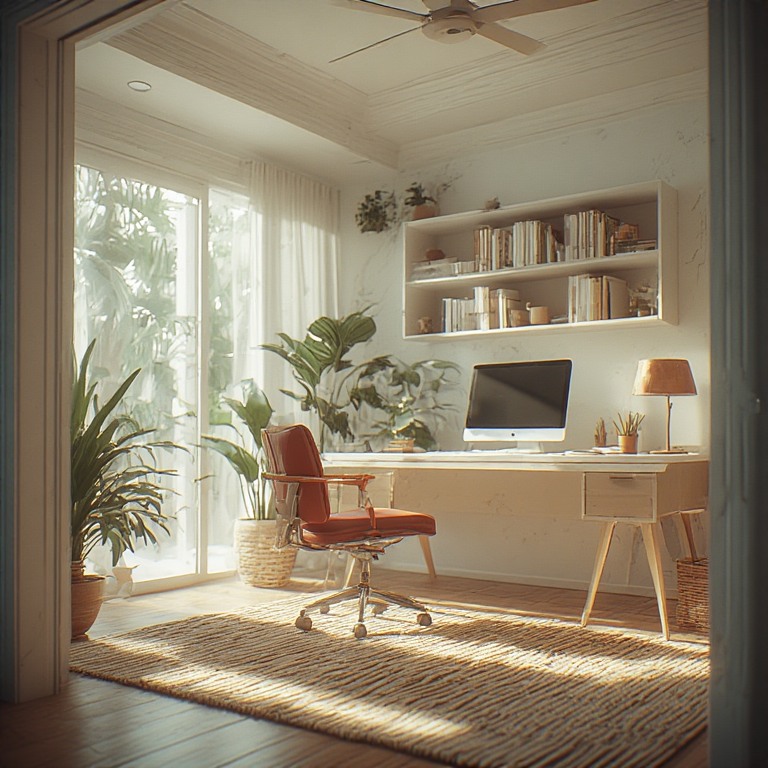
6. Lighting: Layer It Properly
Minimum lighting layers:
- Ambient room light
- Task lamp (adjustable, warm-neutral)
- Optional accent light (for mood)
Avoid: harsh white bulbs (fatigue) or dim-only setups (eye strain).
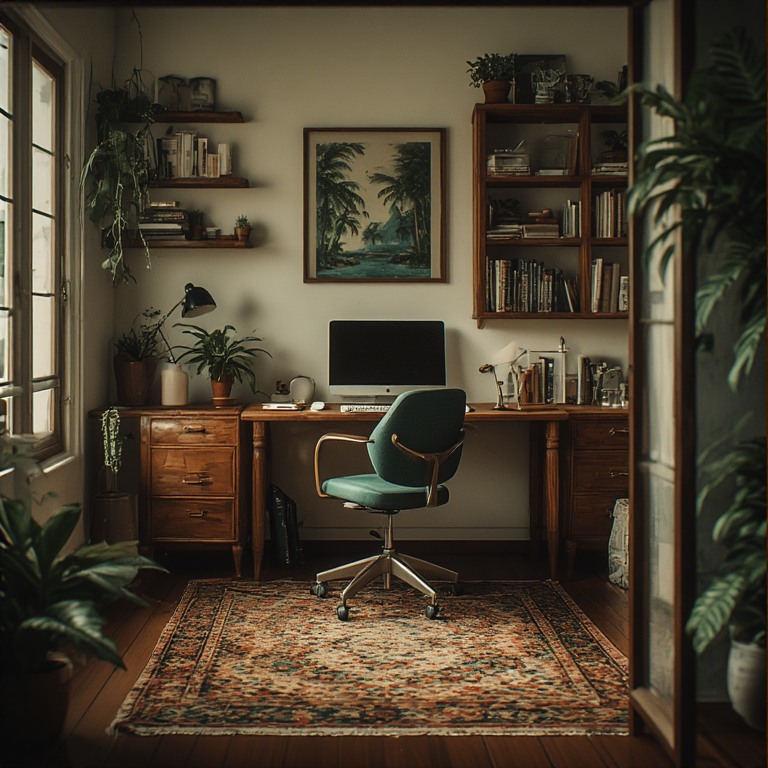
7. Power, Tech & Cable Management
Plan for:
- At least 3–4 outlets
- USB charging point
- Surge protector
- Cable tray or clips under desk
Messy cables = constant low-level distraction.
8. Acoustics & Focus (Often Ignored)
Simple fixes:
- Curtains or fabric blinds
- Bookshelves (great sound absorbers)
- Rugs (if on tile)
- Soft pinboards
Even small soft elements reduce echo and mental fatigue.
9. Climate & Ventilation (Critical in the Tropics)
- Place desk near airflow but not directly under a fan
- Use breathable materials
- Avoid heat-trapping enclosed desks
- If possible, cross-ventilation beats AC alone
10. Psychological Boundaries (Small Space Hack)
Create a “mental boundary” with:
- A rug
- A different wall color
- A shelf divider
- Desk orientation
This helps your brain switch on and off.
Common Mistakes to Avoid
❌ Desk too shallow
❌ No task lighting
❌ Chair as an afterthought
❌ Glare from windows
❌ No storage plan
❌ Working from bed “temporarily” (it becomes permanent)
Simple Planning Checklist
- Pick the quietest corner
- Define the work type
- Size and place desk
- Choose a proper chair
- Add vertical storage
- Layer lighting
- Manage cables
- Control heat & noise
Here is an annotated layout for a home office/ study centre.